Remove
Remove only the clutter
A phone on the table, a cable on the floor, a line of buoys. When something can go, you also get a version without it. Things people hold or wear stay.
Upload a phone snapshot. MasterShot gives you the photo a professional photographer would have taken at that same place, that same second.
Faces never change. Nothing is added that was not there.
And it grows with you. It remembers which version you pick and what you ask for,
and little by little becomes your own personal photographer.
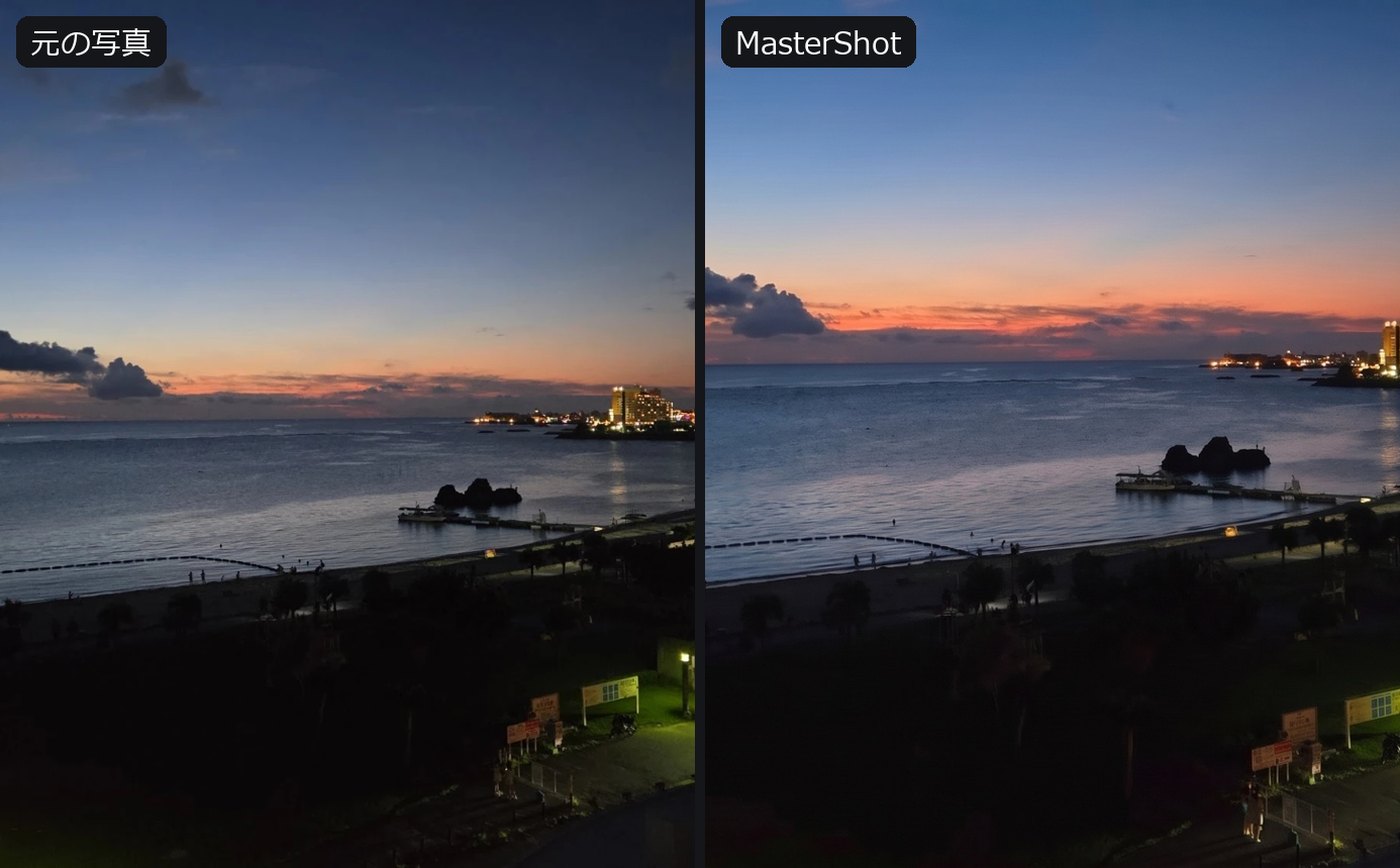
A restrained "Low" and a "Max" with richer light and mood. You get both every time. Just pick the one you like.
Everyone stays exactly who they are. Skin is polished, features are untouched. Lettering is protected too.
"Scarier." "Bluer water." "Closer to the cat." Send one word and get one more shot in that direction.
This is not photo editing. It is the same place and the same moment, re-shot with a pro's gear and eye.
Framing, leveling, light and color, developed like a pro would. Nothing in the scene changes. When the photo itself is good, this is all you need.
Deeper sunsets, warmer lights, bluer seas. Scenery can take it all the way. Skin stays at the Low level.
A phone on the table, a cable on the floor, a line of buoys. When something can go, you also get a version without it. Things people hold or wear stay.
Everyone stays the same person. Close-up faces get a magazine-grade skin retouch, never a plastic one.
Labels, signs, logos on clothes. Any lettering the AI breaks is restored from the original.
Same faces? Nothing added? No beautiful color lost? We check by numbers and by AI. A result worse than the snapshot is never shown.
"Closer?" "Scarier?" When the AI senses one step further, it asks in a few words. You answer in one.
Which one you picked, what you asked for. MasterShot remembers and uses it on the next photo, and little by little becomes your own photographer.
Works in your phone's browser. Nothing to install.
We never leave the range of "the same photo, shot by a pro". That is why nobody can tell AI was involved.